Auto gain matching
Drive is automatically compensated, so you only hear the clipping, not volume changes. Switch it off to hear the real loudness you earned.
A precision hard clipper and true-peak limiter for competitive loudness without the fizz, the pumping or the guesswork. Basic is free and shows you every peak you shave. Pro adds Transient-Aware clipping, Density and Tonal Adjustment.
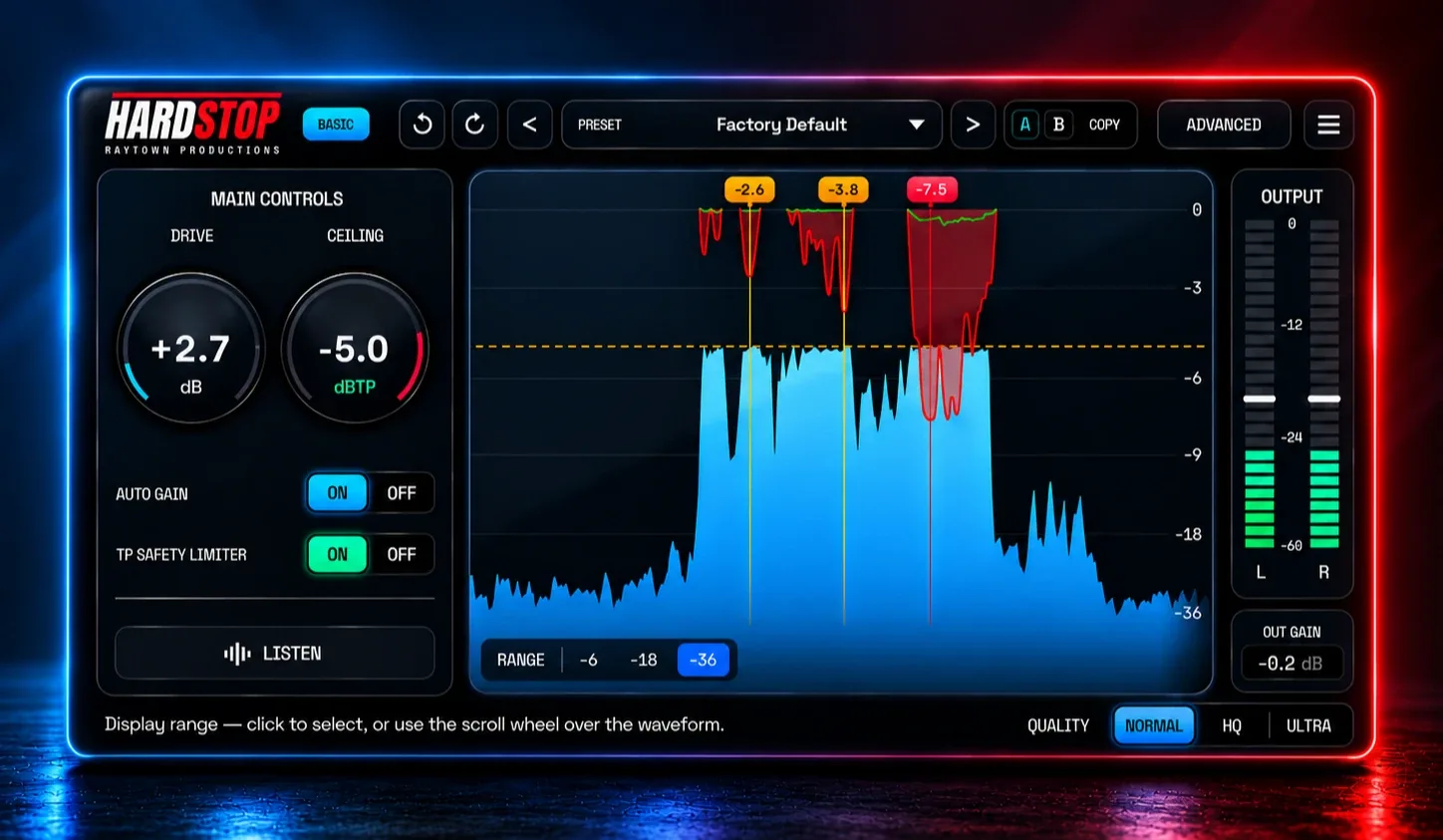
HardStop was built to make a clipping plugin that has both great/intuitive workflows, efficient CPU usage, and pro-grade processing. HardStop Basic fixes that... for FREE.
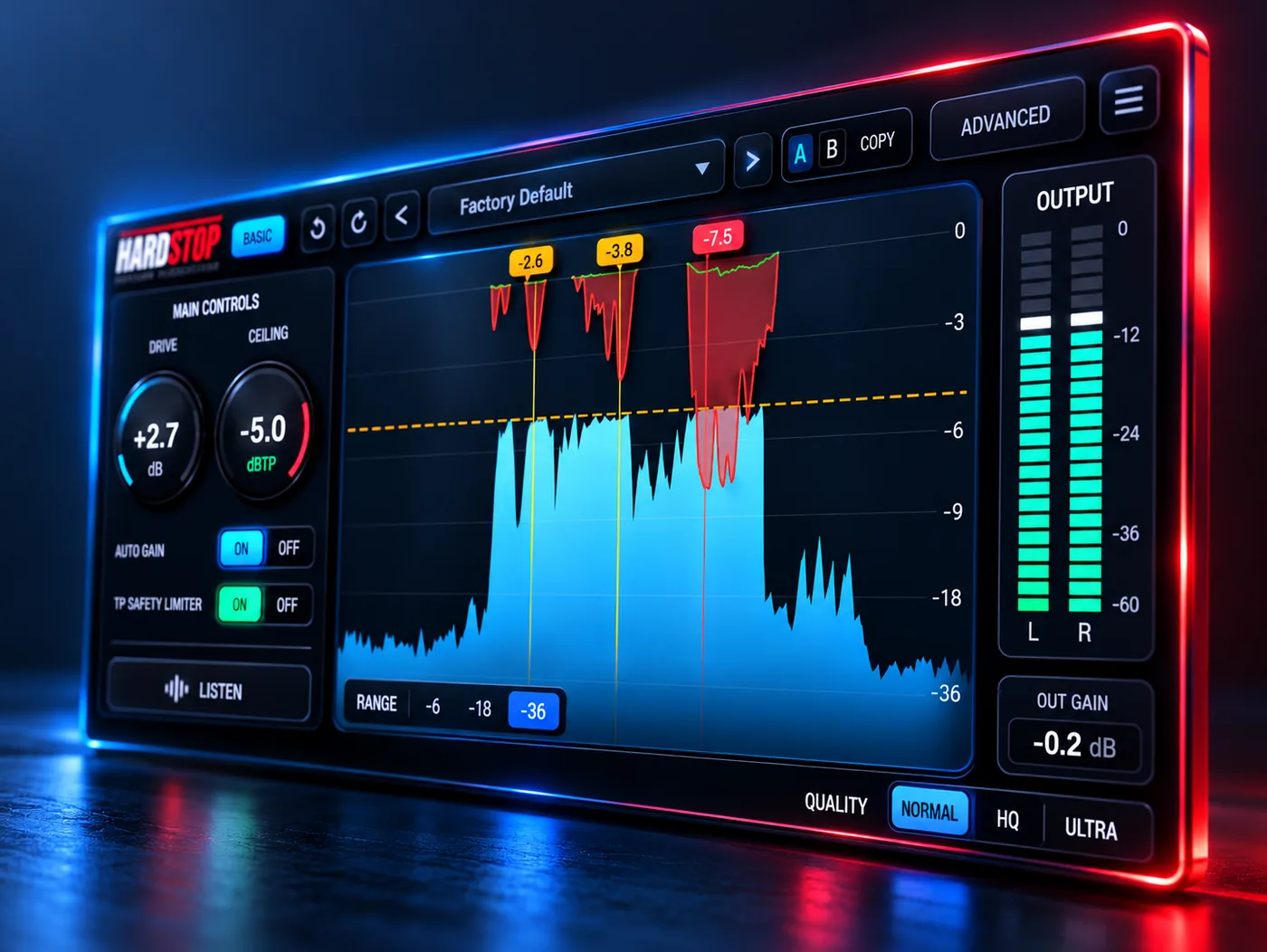
Drive is automatically compensated, so you only hear the clipping, not volume changes. Switch it off to hear the real loudness you earned.
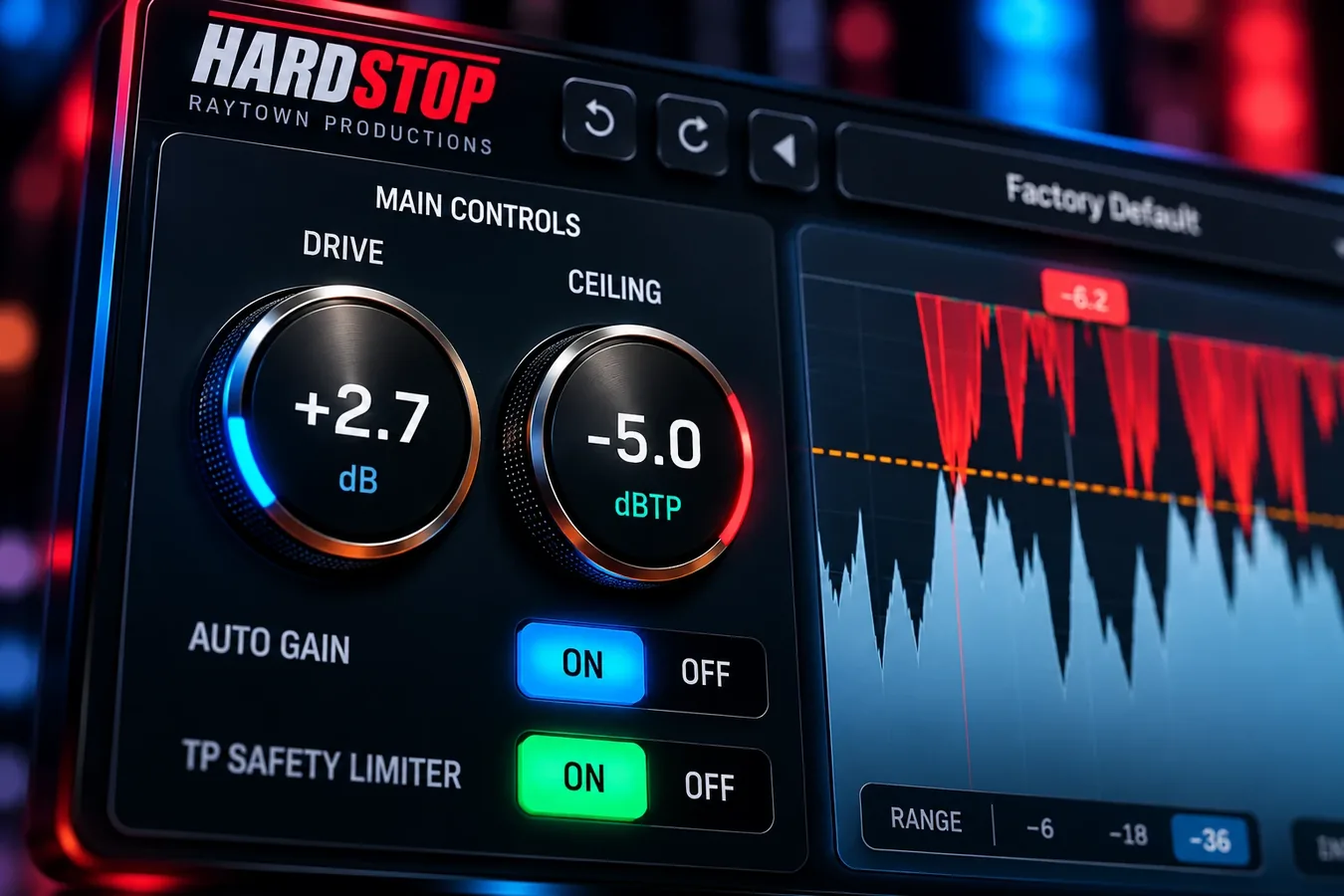
A 4X oversampled TP limiter with a final peak guard catches virtually all the intersample peaks. No more surprise distortion on playback!
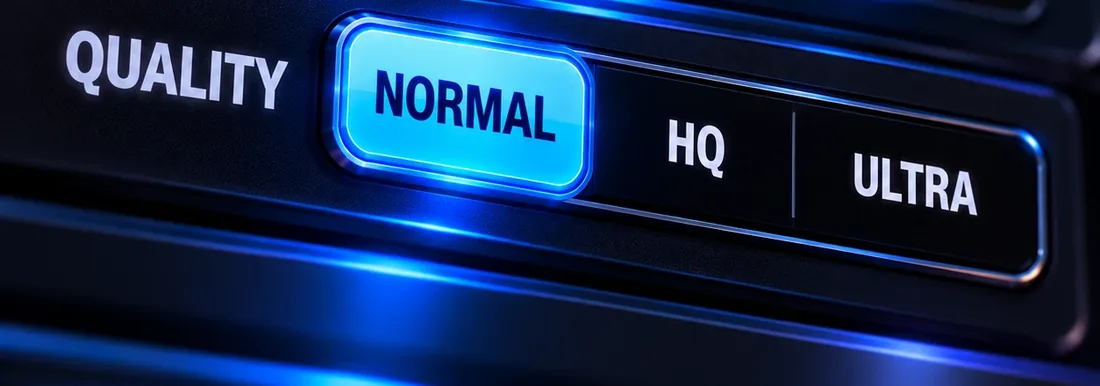
The anti-aliasing algorithm is hand built and significantly outperforms traditional oversampling methods (and uses less CPU!). Normal runs at 0 latency (with TP off). HQ mode cuts aliasing down to almost inaudible levels, and Ultra mode makes aliasing essentially imperceivable - even with aggressive clipping. Traditional oversampling takes 8X more CPU to achieve similar anti-aliasing performance, so don't feel bad for putting HardStop on every channel.
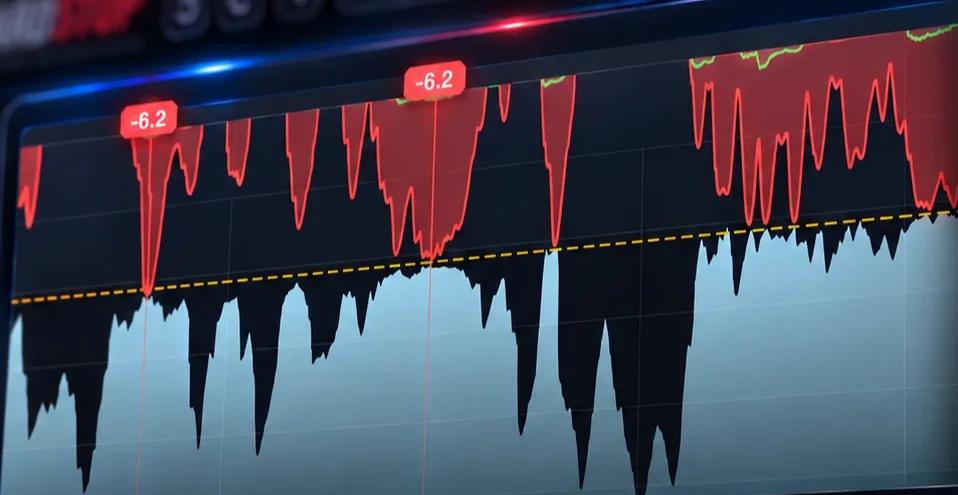
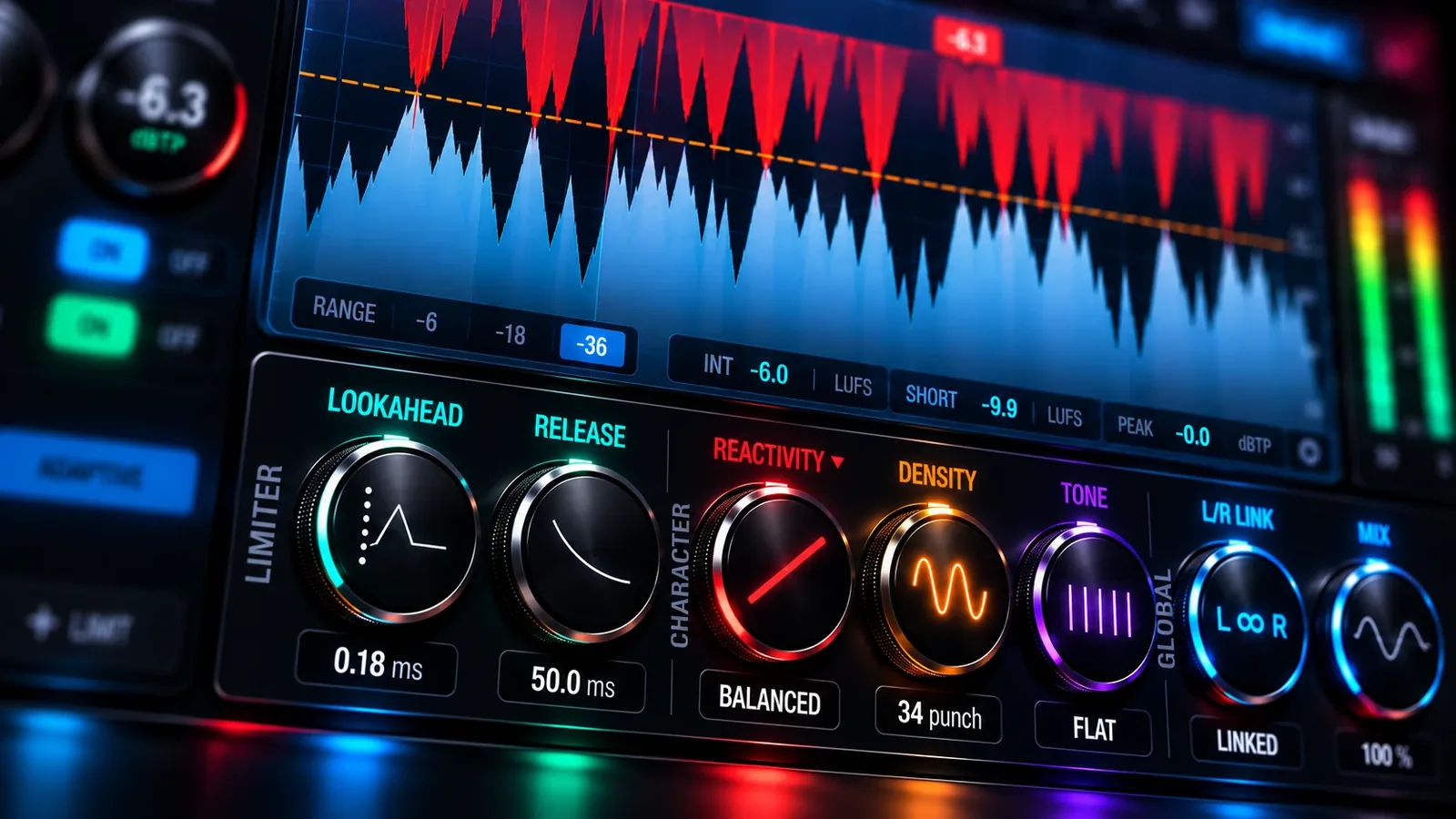
Red on the waveform is clipper gain reduction, green is the TP limiter, and flags mark your hardest hits. Click the waveform to set the Ceiling. Press LISTEN to hear exactly what the clipper takes away.
For those who demand the best. Pro adds transient-aware clipping, shape control, density, and tonal adjustments for an entirely new type of loudness.
Hard clipping keeps punch but gets harsh. Soft clipping is smooth but flattens drums. HardStop Pro reads your music as it plays: tight and punchy on the hits, smooth tape-like saturation on the body. Louder, never flat.
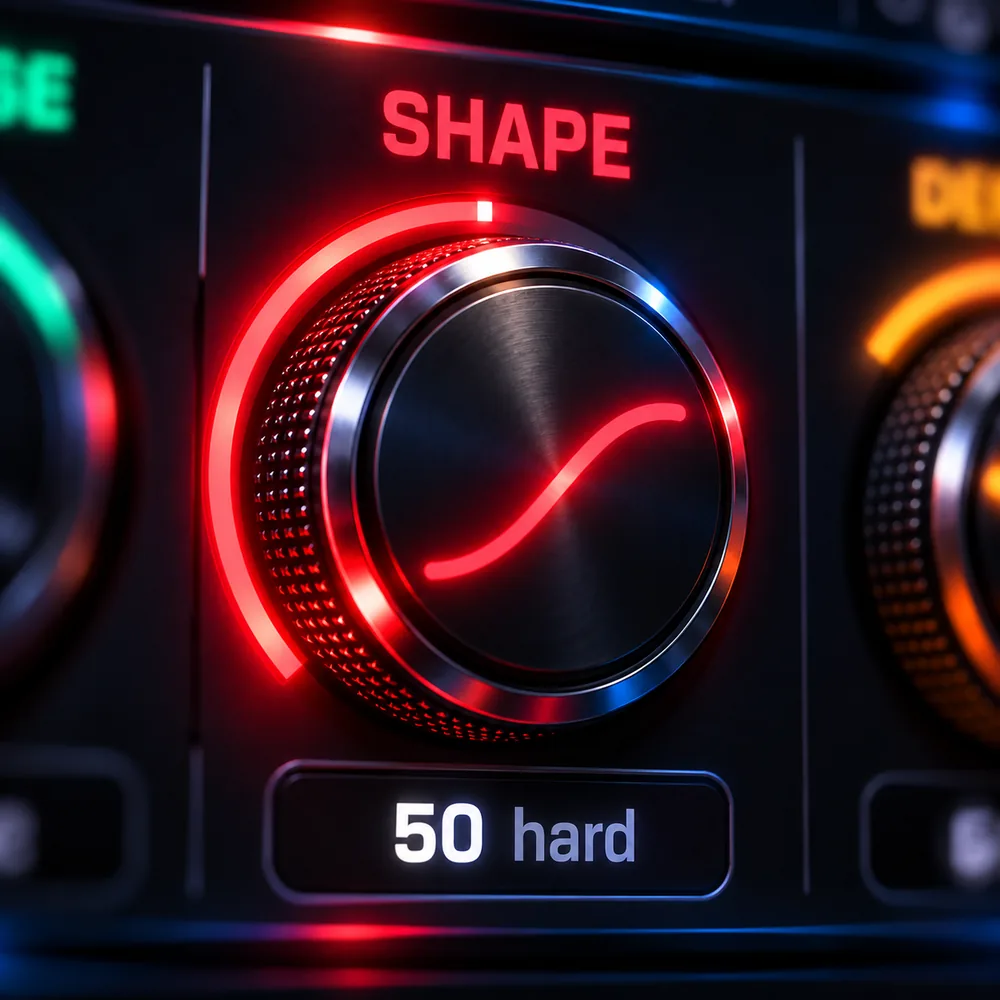
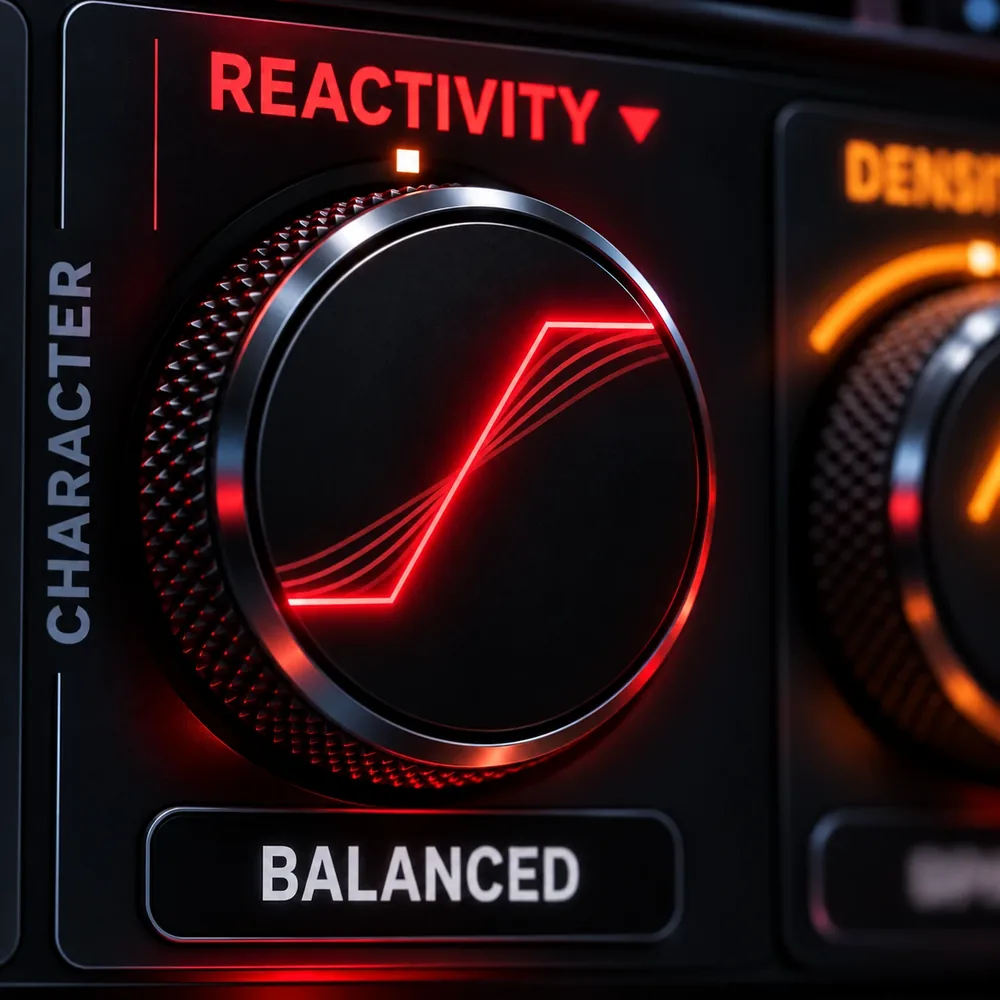
In Classic mode, Shape sets the clipping knee: from a soft knee that warms to a hard, aggressive clip. Switch to Adaptive and the same knob becomes Reactivity.
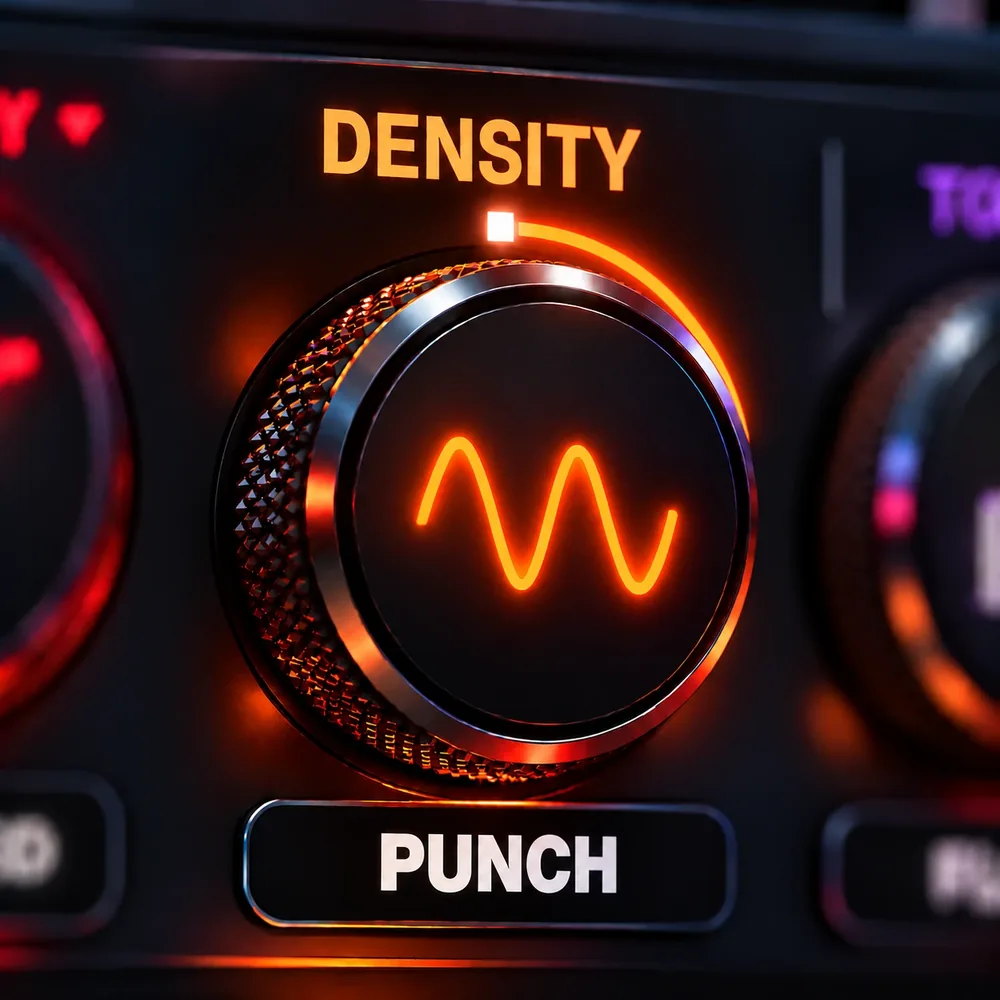
Turn right for more punch into the clipper, left for tube-like warmth. Either way it adds glue: denser and more cohesive, not just louder.
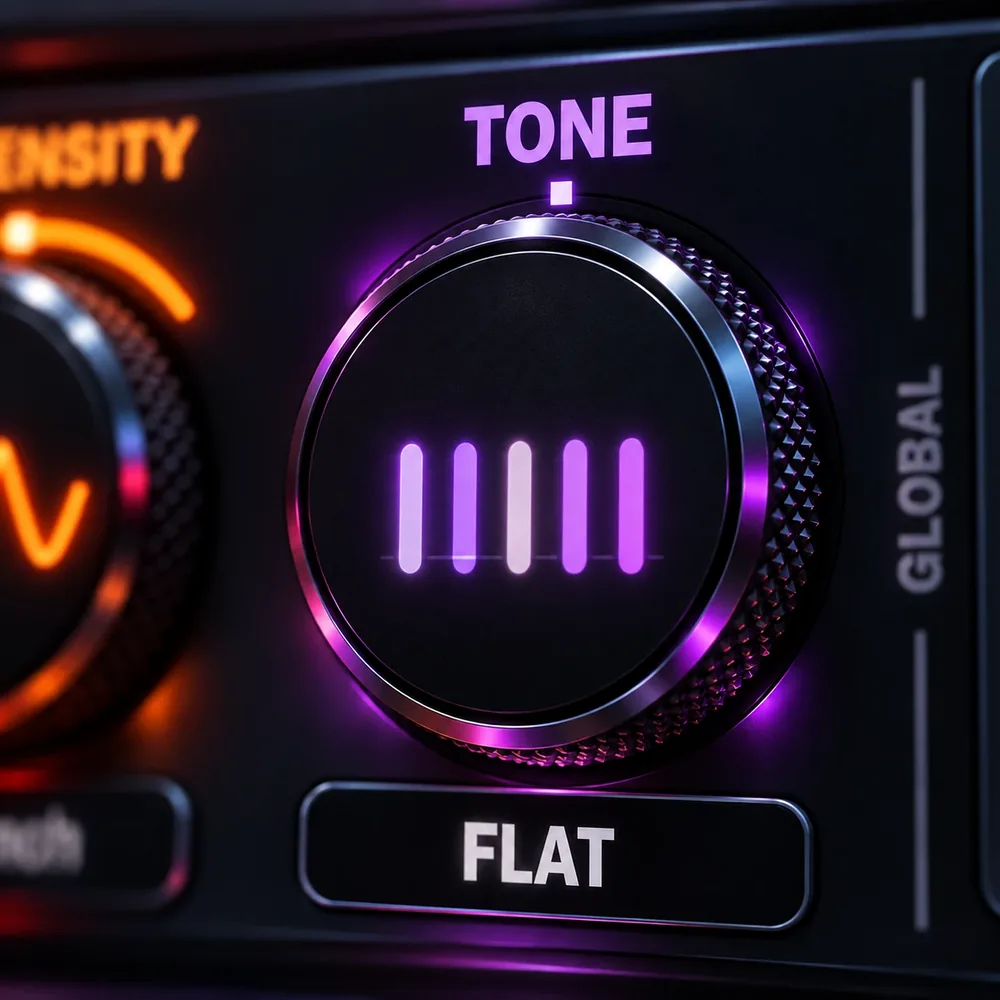
A mastering-style tilt before the clipper. Bright clears mud. Warm takes the edge off.
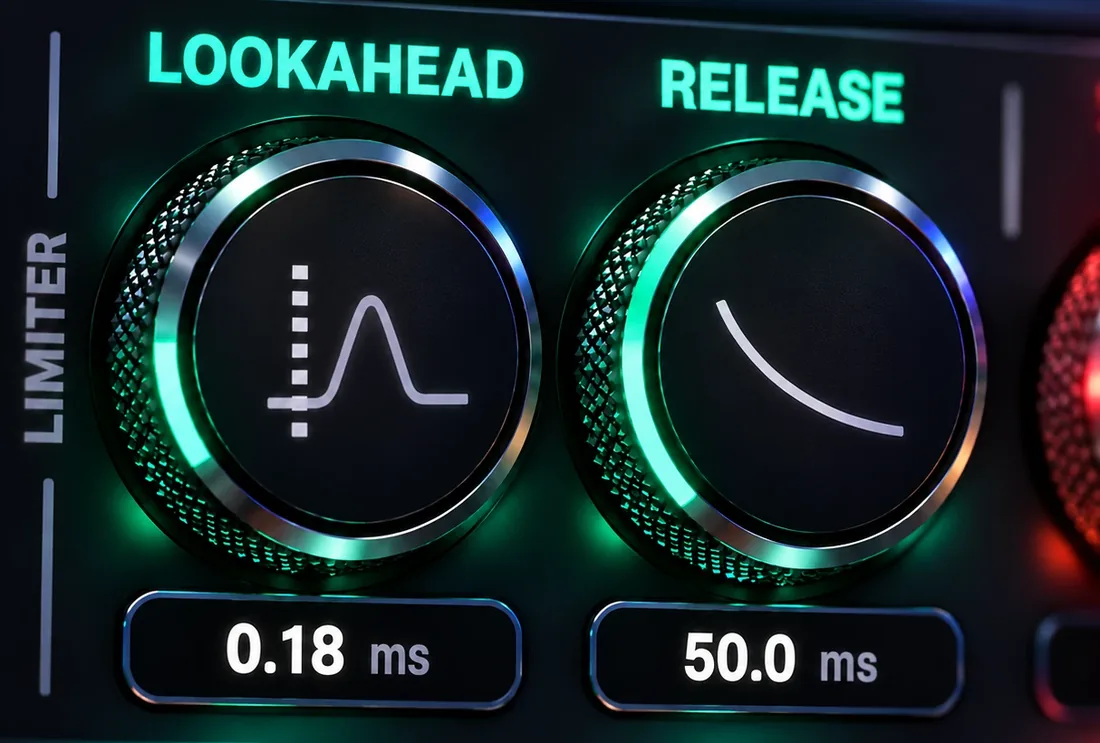
Set the TP limiter's lookahead from 0.1 to 5 ms and its release from 1 to 1000 ms, so release becomes a groove control. With TP on, LISTEN LIMIT lets you hear exactly what the limiter catches.
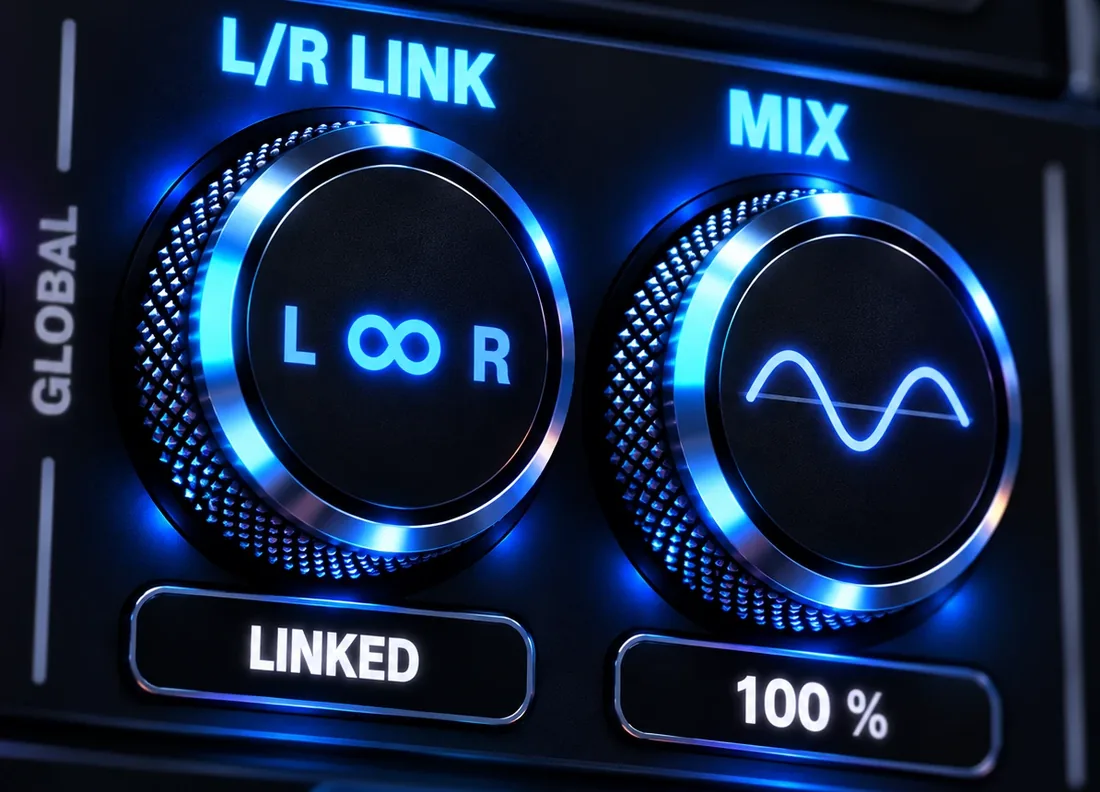
Run from fully linked to dual mono for a wider image, and blend latency-matched dry signal back in with Mix to bring transients back without losing the loudness.
Download HardStop and start your trial inside the plugin. No credit card required.
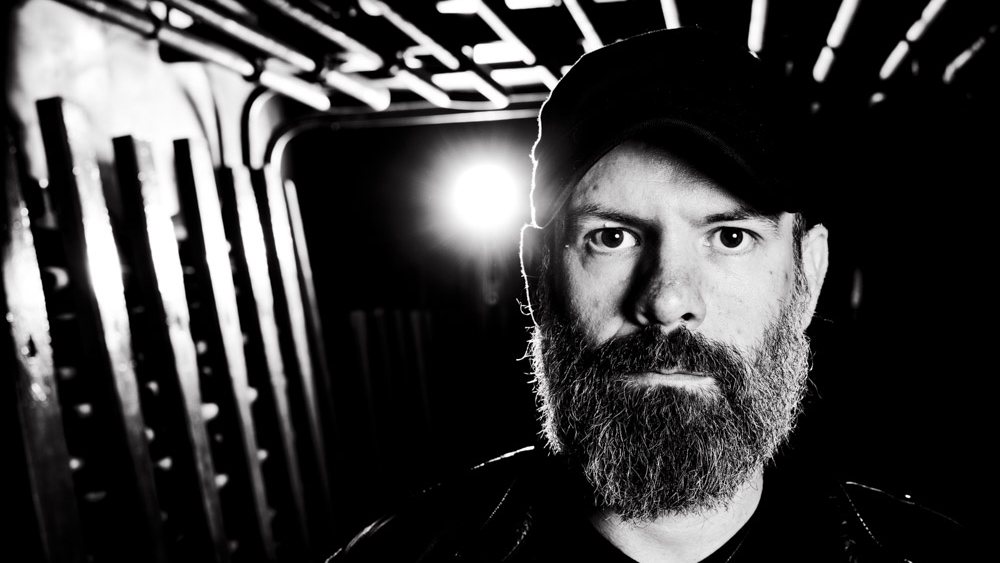
"Right out of the gate, I LOVE it! Not your standard clipper! HardStop has some welcomed additional features like 'Density' and 'Tone' to help shape the overall punch and sound of your audio. Plus the variable dual-mono to linked stereo control is like nothing I've seen in a clipper before and fits perfectly into my workflow. This will be my go-to clipper."
It's crazy how transparent HardStop is, even when smashing things. I can clip a lot harder without having to resort to stacking clippers and weird trickery. This is sick!
Dude HardStop is SICK. Really intuitive and gets stuff f***ing LOUD!
Yea, WOW! I am impressed man - HardStop just replaced 2 plugins on my masterbus. I am so surprised by how this keeps punch in a different way. The adaptive clipping mode is GREAT and so is the Density knob on Punch. I'm getting extra loudness and it's less crushed.
Start free with just your email, no time limit. Upgrade when you want the character section, or try Pro free for 14 days.
The full clipping engine, no strings. Give us an email and it's yours.
Windows & macOS · email address required
Everything in Basic, plus the character section, full limiter control, LUFS metering and the factory preset library.
14-day free trial, no payment info · perpetual license, works offline once activated
Same engine. Same anti-aliasing. Same true-peak safety. Pro adds character, control and metering on top.
| Capability | Basic - free | Pro - |
|---|---|---|
| Drive + Ceiling, hard clip | ● | ● |
| Quality tiers | Normal · HQ · Ultra | Normal · HQ · Ultra |
| True-peak safety (TP) | Auto | + lookahead & release |
| Listen (hear what's removed) | Clipper | Clipper + limiter |
| Auto gain, meters, waveform + GR display | ● | ● |
| Out Gain | ● | ● |
| User presets, A/B, import/export | ● | ● |
| Shape knob: soft ↔ hard knee | - | ● |
| Mode: Classic / Adaptive, with Reactivity and Recover | - | ● |
| Density knob: tube ↔ punch | - | ● |
| Tone knob: warm ↔ bright | - | ● |
| Stereo link | Linked | Variable |
| Mix: parallel dry/wet | - | ● |
| Factory presets | Default only | Full library |
| True-peak output meters | ● | ● |
| LUFS loudness metering | - | ● |
Free, forever. HardStop opens as Basic on first launch: fully working, no timer, no watermark. The download asks for an email address so we can send you the file and tell you about updates, and that's all we ask for. At default settings Basic's output is byte-identical to Pro's. You only pay for the character section, the extra limiter control, stereo link, Mix and LUFS metering.
Use it before your final limiter, not instead of it. HardStop shaves the peaks so your limiter has less to do, and you get more loudness with the transients intact. In a pinch, HardStop's own true-peak limiter can do the whole job.
Normal is a plain hard clip with no anti-aliasing. It aliases by design when pushed, which makes it the character tier, and with TP off it has zero latency, so you can track through it. HQ is the daily driver: anti-aliased and flat in-band to ±0.002 dB. Ultra matches about 40X oversampling. Doing that the brute-force way takes 64X and about eight times the CPU. It's flat to ±0.0003 dB. Use it when you clip hard or use Density (Pro). All three ship in Basic.
Normal with TP off: none. HQ and Ultra: 114 samples, the same figure on purpose, so switching quality never upsets your DAW's delay compensation. Turn TP on and the total is 482 samples at 48 kHz in any quality mode, whatever the Lookahead setting. HardStop always reports its latency, so playback stays in sync.
Streaming services turn tracks down by loudness (LUFS), not peaks, so there's no test to pass or fail. With TP on, set the ceiling to -1 dBTP for a safe margin, or -0.2 dBTP if you're pushing for a competitive level. Streaming encoders can add small peaks of their own, which is why -1 dBTP is the safe choice.
Turn TP on. Without it, true peaks between the samples can pass the sample ceiling. That isn't a bug, it's how clipping works. With TP on, true peaks stay under your ceiling when Out Gain is at 0 dB or below and Mix is at 100%.
Yes: 14 days, every Pro feature, no card. Click ADVANCED and press START 14 DAY FREE TRIAL! (any locked Pro control works too). Enter your email, then the 6-digit code we send, and Pro unlocks. The 14 days start when you activate, and the trial runs on up to three computers. Buy with the same email during the trial and it upgrades in place, presets and settings included. Purchases are final, so hear it on your own mixes first. If something isn't working, write to dsp@raytownproductions.com and I'll sort it out.
One payment, no subscription, and you own it. Lifetime feature updates are included for every 1.x release; a future major version, such as 2.0, may be offered as a separate upgrade. Each license runs on three computers, and you move seats yourself from the plugin's Machines tab. Pro needs the internet once, to activate, then works offline for good with no check-in deadline. A trial needs the internet to start. Basic has no license and never needs to check in. When you open HardStop's menu while online, it checks for updates, at most once a day. There are no usage analytics, apart from installations: the update check sends only the plugin name, version and OS.
Because I think great tools should be within reach of everyone making music, not just people with professional studio budgets. A low price doesn't mean low quality. HardStop Pro gets the same care, stress testing, measurements, and support as plugins costing four times more.
Restart the DAW and rescan your plugins. Logic loads only AU, Pro Tools only AAX, and most other DAWs VST3. If it still doesn't appear, run the installer again or get in touch below and we'll sort it out.
The best way to say thanks? Leave a review. It helps other engineers decide, and it helps us make HardStop even better.
HardStop is designed and tuned by Bobby Balow at Raytown Productions. If something's broken or you just want to argue about clipping, write in.
Installs, licenses, seats, or HardStop not showing up in your DAW. Most answers take a minute, and every article ends with the address to write to.
Browse HardStop help →Opens an email with a checklist: your OS, plugin version, license type and DAW. Fill those in, say what happened, and send. Suggestions welcome too.
Email a bug report →Every control, every range, explained twice - once in plain English and once precisely. Quick start gets you a loudness win in five minutes.
Open the manual →It's just an email address to try today. No timers or credit cards needed to start. If HardStop doesn't earn its place right away, delete it.
14-day Pro trial · perpetual license, works offline once activated